AI Translation for Business Documents: The Complete Guide for 2026
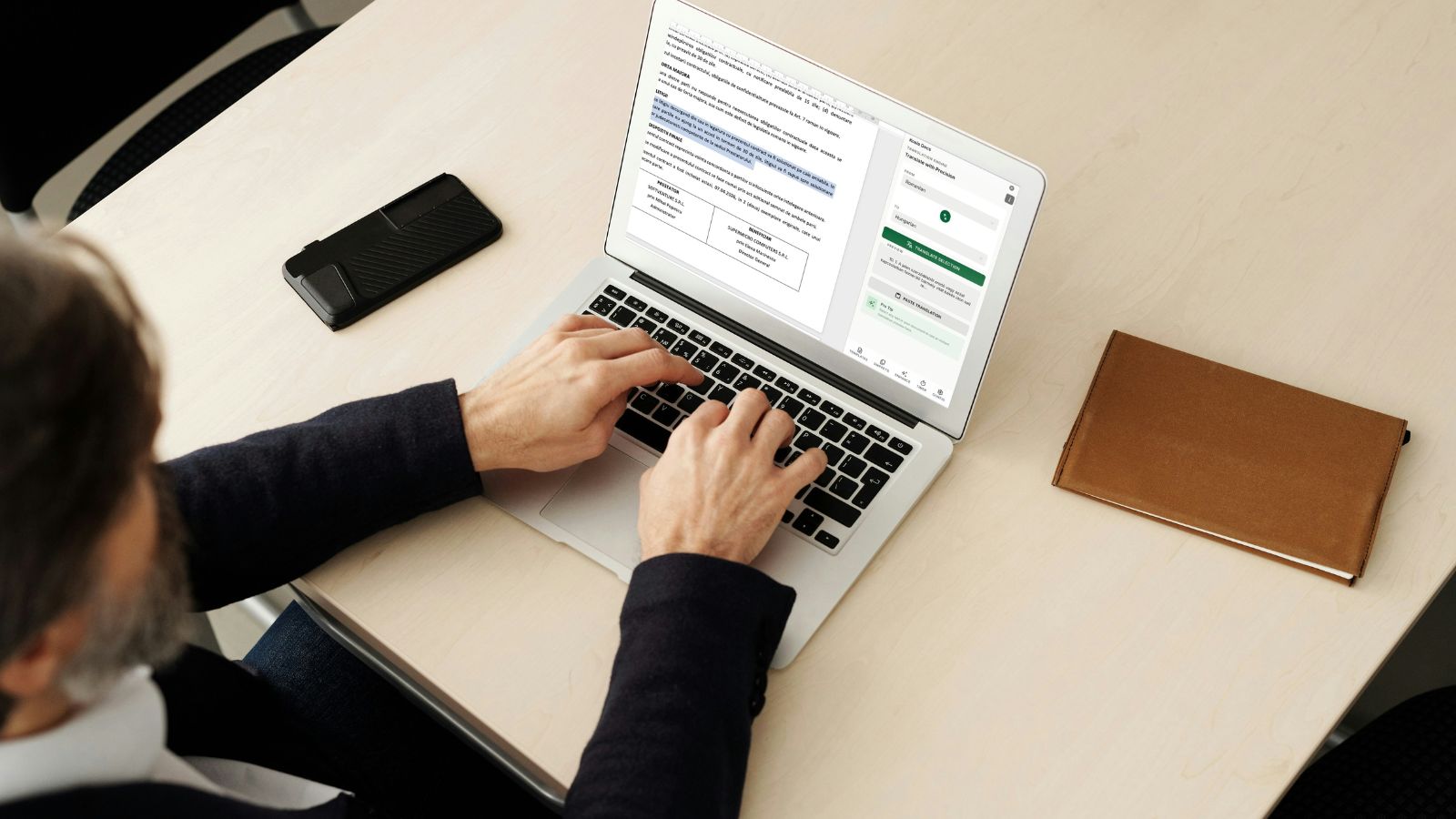
Businesses today operate across borders by default. A startup in Berlin signs contracts with suppliers in Shanghai. A law firm in Amsterdam advises clients in Sao Paulo. A consulting agency in London delivers reports to partners in Tokyo. In every case, documents need to cross language barriers quickly, accurately, and affordably.
The AI translation market for documents has grown from approximately USD 2.66 billion to an estimated USD 3.26 billion, expanding at a compound annual growth rate of 22.4%. (Source: The Business Research Company, AI-Powered Document Translation Quality Global Market Report 2026) That rapid growth reflects a fundamental shift: organizations are moving away from slow, expensive human-only translation workflows and toward AI-powered solutions that deliver results in seconds rather than days.
This guide covers everything you need to know about using AI translation for business documents in 2026, including when it works well, where it has limitations, and how to implement it effectively within your existing Word-based workflows.
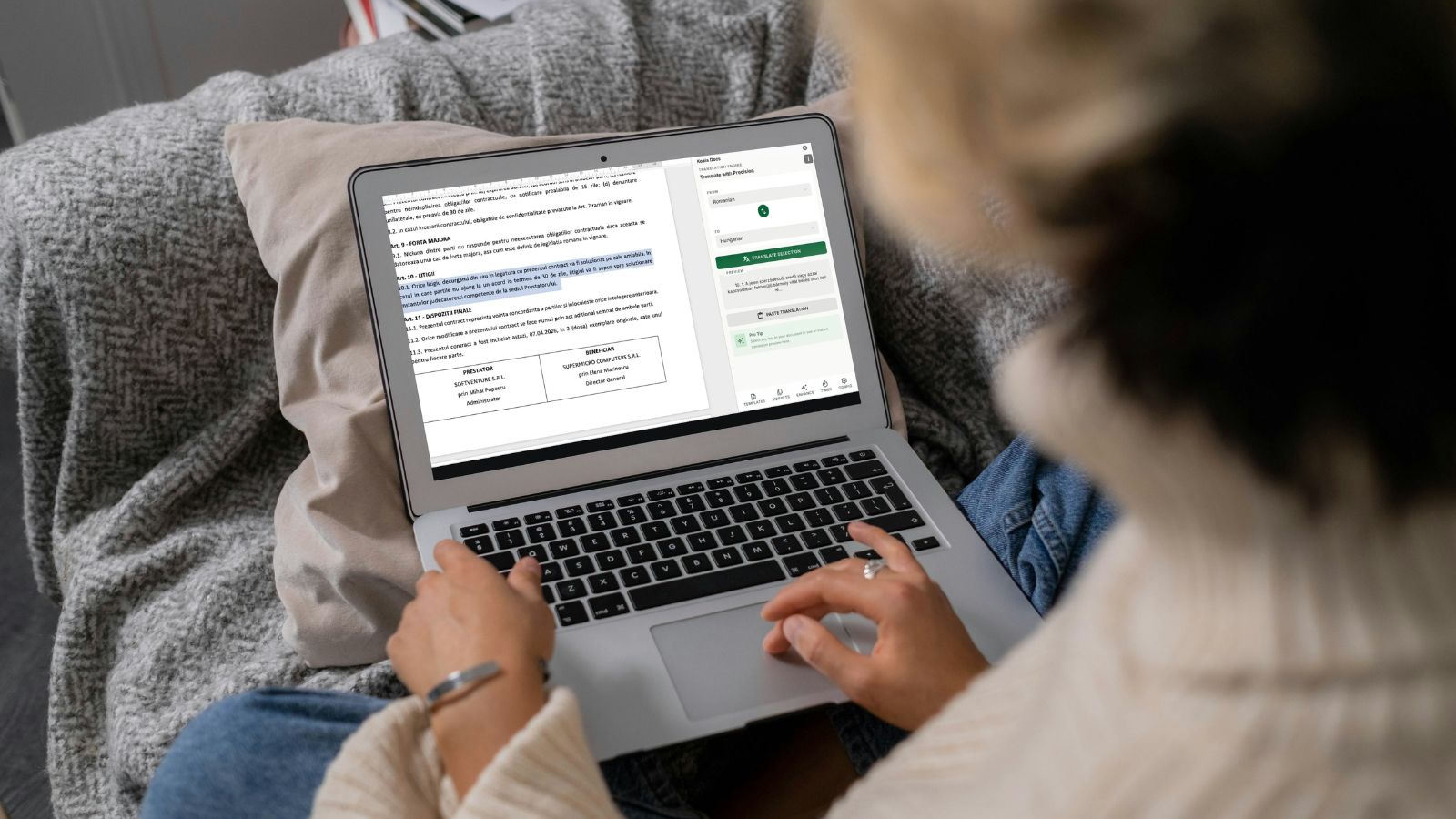
AI vs. Human vs. Hybrid Translation: A Practical Comparison
Before diving into implementation, it is important to understand the three main approaches to document translation and where each one excels.
| Factor | Human Translation | AI Translation | Hybrid (AI + Human Review) |
|---|---|---|---|
| Speed | Days to weeks | Seconds to minutes | Hours to one day |
| Cost per page | EUR 25-80 | EUR 0-5 | EUR 10-30 |
| Accuracy for standard documents | 95-99% | High for common language pairs | 97-99% |
| Handling of legal nuance | Excellent | Good, improving | Excellent |
| Consistency across documents | Variable | Very high | High |
| Scalability | Limited by translator availability | Virtually unlimited | Moderate |
| Turnaround for urgent needs | Difficult | Immediate | Same day |
For most business documents, the hybrid approach offers the best balance. AI handles the heavy lifting, and a human reviewer catches nuances that machines may miss. However, for internal documents, routine correspondence, and draft translations, pure AI translation is often sufficient and dramatically faster.
7 Document Types That Benefit Most from AI Translation
Not every document requires the same level of translation precision. Here are the seven categories where AI translation delivers the greatest value for business teams.
1. Contracts and Agreements
Contracts are among the most frequently translated business documents. While final versions of legally binding agreements may warrant human review, AI translation excels at producing accurate first drafts. Teams can translate a 20-page contract in seconds, then focus human review time on the specific clauses that require legal precision. This approach reduces the overall translation cycle from days to hours.
2. Sales Proposals and Presentations
Speed matters in sales. When a prospect requests a proposal in their language, the team that responds fastest has an advantage. AI translation allows sales teams to generate localized proposals within minutes of completing the original version. Combined with template automation, this creates a workflow where personalized, translated proposals are ready almost instantly.
3. HR and Employee Documents
Multinational organizations need offer letters, employee handbooks, policy documents, and benefits guides in multiple languages. These documents follow predictable structures and use consistent terminology, making them ideal for AI translation. An HR team can maintain a single master template and generate translated versions for every office location on demand.
4. Technical Documentation
User manuals, product specifications, installation guides, and maintenance procedures are characterized by precise, repetitive language. AI translation handles technical content well because the vocabulary is specific and the sentence structures tend to be straightforward. For companies with products in multiple markets, this eliminates a major bottleneck in product launches.
5. Financial Reports and Summaries
Quarterly reports, investor updates, and financial summaries contain standardized terminology and numerical data. AI translation is particularly effective here because financial language is relatively formulaic. The key review focus is ensuring that numerical formats, currency references, and regulatory terminology are correctly localized.
6. Internal Communications
Memos, announcements, meeting minutes, and project updates circulate across international teams daily. These documents rarely justify the cost or delay of professional human translation. AI translation makes it practical to keep every team member informed in their preferred language, improving inclusion and reducing miscommunication.
7. Compliance and Regulatory Documents
Organizations operating in multiple jurisdictions must produce compliance documentation in local languages. While critical regulatory filings may require certified translation, the drafting and review process benefits enormously from AI translation as a starting point.
How AI Translation Works Inside Microsoft Word
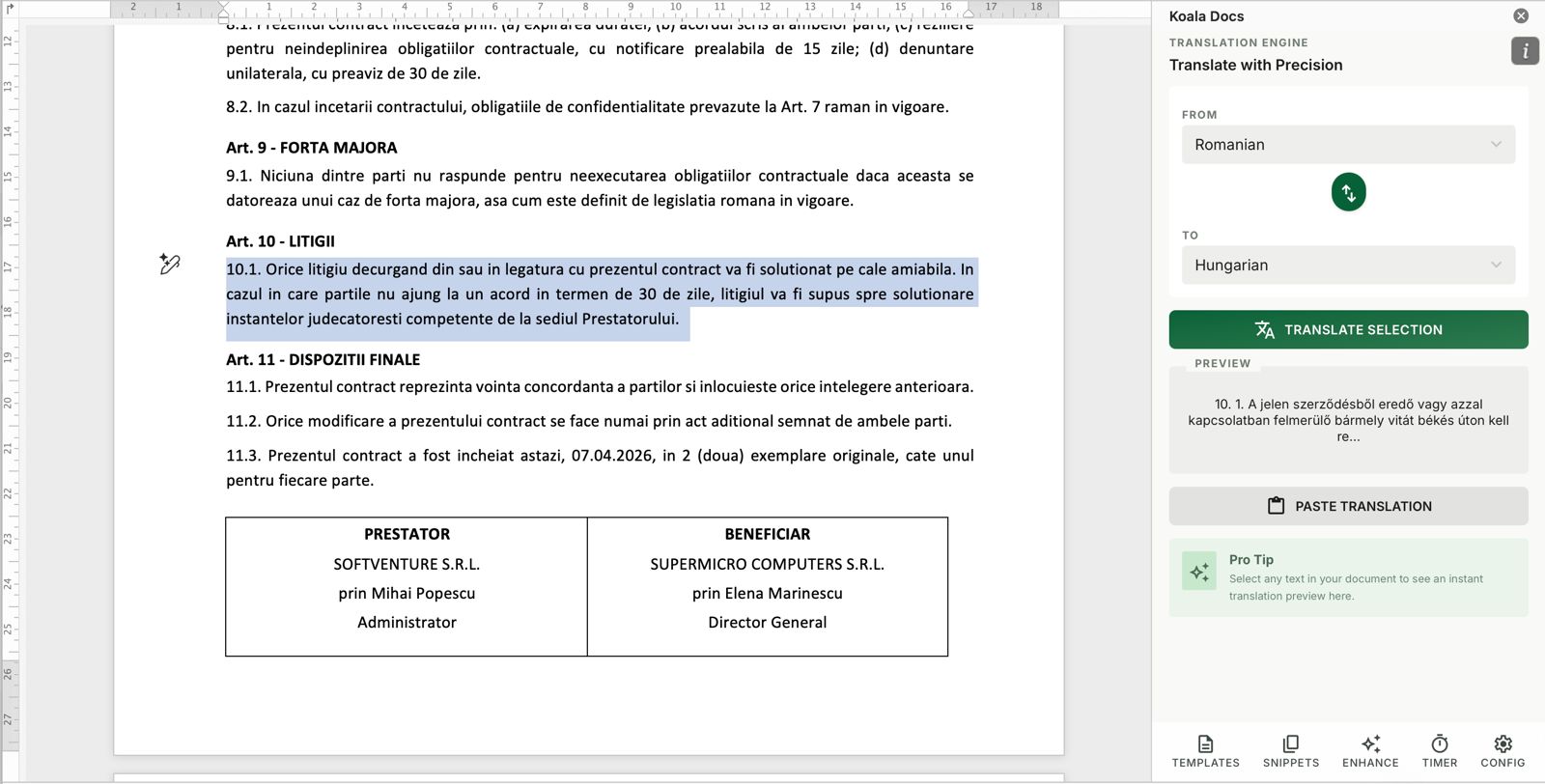
The most effective translation workflows are integrated directly into the tools people already use. Here is what a practical AI translation process looks like when working inside Word with a tool like Koala Docs.
Step 1: Complete your document in the source language. Write, format, and finalize your document as you normally would. Use templates and snippets to ensure consistency and speed. The ultimate guide to Word templates covers how to build an efficient template library.
Step 2: Select the target language. From the Koala Docs sidebar, choose one or more target languages from over 100 options. The interface supports all major business languages, including those with complex scripts and diacritical marks.
Step 3: Initiate translation. With a single click, the AI processes the entire document. Headers, body text, tables, and bullet points are all translated while preserving the original formatting. This is a critical advantage over copy-pasting text into external translation tools, which typically strips all formatting.
Step 4: Review the translated document. The translated version appears as a new document, ready for review. For standard business documents, the output is typically ready to use. For legally sensitive content, a bilingual team member or professional translator can review and refine.
Step 5: Save and share. The translated document retains all Word formatting, styles, and structure. It can be saved, shared with the team, or exported to PDF for distribution.
This entire process takes minutes rather than the days or weeks required by traditional translation workflows.
Challenges and Limitations: What AI Translation Cannot Do (Yet)
While AI translation has improved dramatically, it is important to understand its current limitations so you can plan your workflow accordingly.
Legal and Contractual Nuance
Legal language carries weight that goes beyond literal meaning. Terms like “best efforts” versus “reasonable efforts” have distinct legal implications that vary by jurisdiction. AI translation can render these terms accurately in most cases, but a legal professional should review translated contracts before they become binding. The good news is that AI quality continues to improve, and for many standard clauses, the translation is already reliable.
Industry-Specific Terminology
Highly specialized fields like medicine, engineering, and finance use terminology that may not appear in general training data. The best approach is to maintain a glossary of key terms and verify that the AI handles them correctly. Most modern AI translation systems learn from context and handle industry terms better than earlier statistical models, but oversight remains important for mission-critical documents.
Cultural Adaptation
Translation and localization are not the same thing. AI can translate words accurately while missing cultural context. A marketing document that works well in English may need a different tone, structure, or set of examples for a Japanese audience. For customer-facing documents, consider AI translation as the foundation and add a cultural review step.
Diacritical Marks and Special Characters
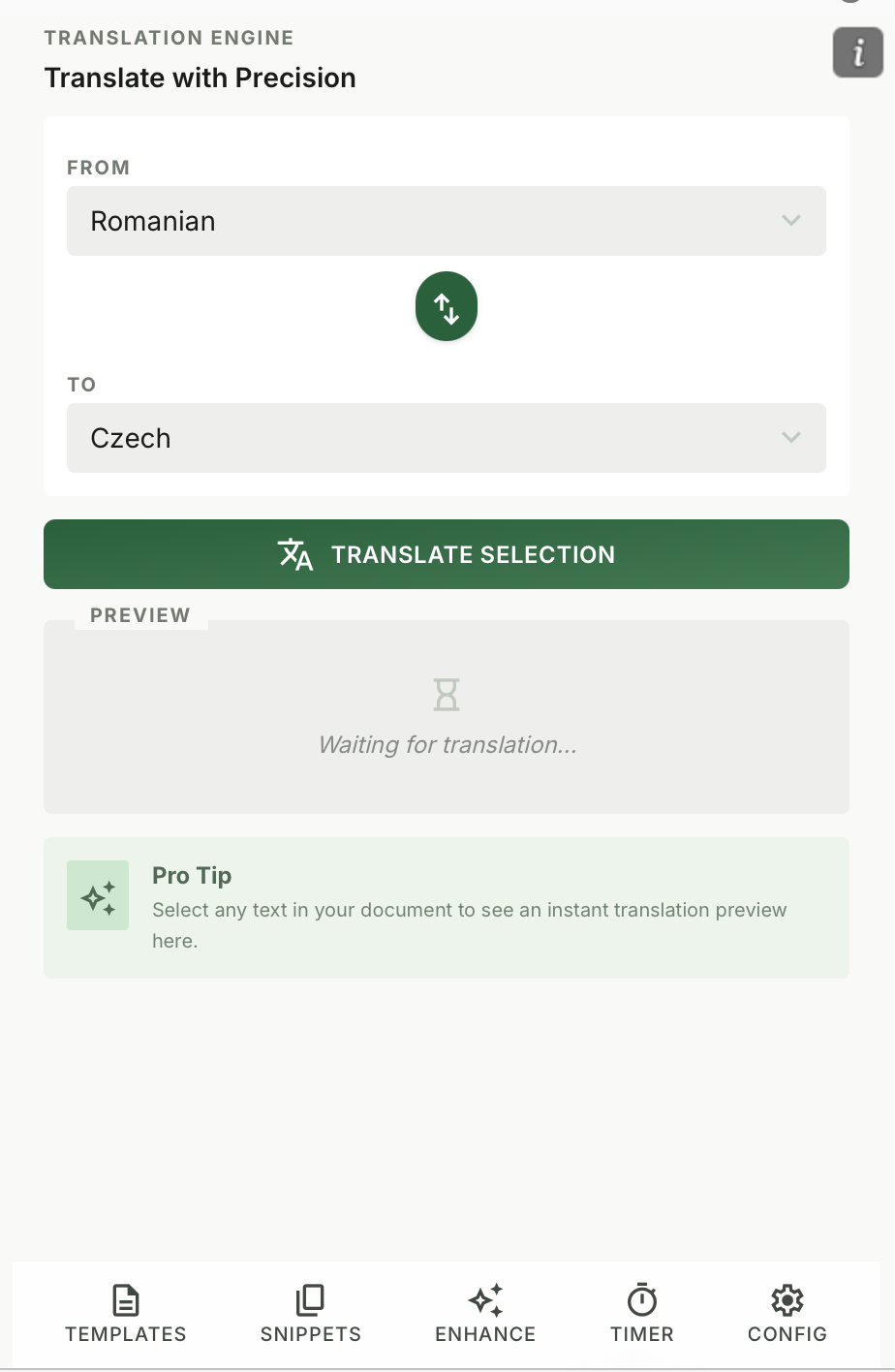
Languages like Vietnamese, Czech, and Turkish rely heavily on diacritical marks. A missing accent can change the meaning of a word entirely. Modern AI translation systems handle diacritics well, but it is worth verifying output in languages where these marks are critical. Koala Docs uses AI models that are specifically trained to handle the full range of Unicode characters and diacritical marks across all supported languages.
Formatting Preservation
One of the most practical challenges in document translation is preserving the original layout. Text expansion (German text is typically 30% longer than English, for example) can break tables, push content to new pages, and disrupt carefully designed layouts. Integrated translation tools that work within Word handle this better than external tools because they can adjust formatting in context.
Best Practices for AI Translation in Business
Based on the experiences of organizations that have successfully adopted AI translation, here are the practices that deliver the best results.
Establish a Review Workflow Define which document types require human review after AI translation and which can go directly to the recipient. Internal communications and draft documents may need no review. Client-facing contracts should always have a qualified reviewer.
Maintain a Translation Glossary Create and maintain a list of key terms, product names, and industry-specific vocabulary with their approved translations in each target language. This serves as a reference for reviewers and helps ensure consistency across all translated documents.
Use Consistent Source Documents AI translation produces the best results when the source document is well-written, clearly structured, and free of ambiguity. Documents built from standardized templates translate more accurately than ad-hoc drafts. This is another reason why a solid template library is foundational to document productivity.
Start with High-Volume, Low-Risk Documents Begin your AI translation adoption with internal documents, routine correspondence, and non-binding materials. As your team gains confidence in the quality, expand to client-facing and legally significant documents with appropriate review steps.
Measure Time and Cost Savings Track the time and cost of your translation workflow before and after adopting AI translation. Tools like Koala Docs include built-in time tracking that makes this measurement straightforward. The data will justify expanded adoption and help optimize your review process.
Leverage Templates for Multilingual Documents If your organization regularly produces the same document in multiple languages, create a master template for each one. Use AI translation to generate the initial versions in each language, then refine and approve them. Future updates only require translating the changed sections, not the entire document.
The 2026 Standard: AI Translation with Human Refinement
The translation industry in 2026 has largely settled on a consensus: pure human translation is too slow and expensive for most business needs, while pure AI translation is not yet reliable enough for all document types. The standard that has emerged is a hybrid model where AI does the translation and humans provide quality assurance.
This hybrid approach offers several advantages:
- Speed: Documents are translated in seconds, not days
- Cost: Translation costs decrease significantly compared to human-only workflows
- Consistency: AI produces uniform translations across documents, reducing the variability that comes with different human translators
- Scalability: Teams can translate into dozens of languages simultaneously without hiring additional translators
- Quality: Human reviewers catch the nuances that AI misses, ensuring the final output meets professional standards
For organizations that have not yet adopted AI translation, 2026 is the year to start. The technology is mature, the tools are accessible, and the competitive disadvantage of slow, manual translation is growing.
How Koala Docs Handles Translation
Koala Docs integrates AI translation directly into Microsoft Word, making it accessible to anyone who works with documents. Here is what sets it apart:
- 100+ languages supported, covering every major business market and many regional languages
- One-click translation from the Word sidebar, with no need to copy text to external tools
- Formatting preservation ensures that headers, tables, lists, and styles remain intact
- Works with templates and snippets, so your entire document library can be multilingual
- Combines with SMART documents for automated multilingual document generation
- Affordable at from EUR 9.95/month, making professional translation accessible to individuals and teams alike
Whether you need to translate a single contract or maintain a complete document library in twelve languages, Koala Docs provides the workflow to do it efficiently without leaving Word.
Frequently Asked Questions
How accurate is AI translation for legal documents?
AI translation for legal documents has reached a level where it produces reliable first drafts for most standard agreements, NDAs, and terms of service. Accuracy is generally high for general legal language, depending on the language pair and complexity. However, for binding legal documents, we recommend a hybrid approach where a qualified legal professional reviews the AI translation before finalization. This combination delivers both speed and the precision that legal work demands.
Can AI translation handle documents with mixed languages?
Yes, modern AI translation systems can identify and handle documents that contain text in multiple languages. For example, a contract written primarily in English that includes German appendices or French legal references can be processed effectively. The AI recognizes language boundaries within the document and translates each section appropriately. Koala Docs handles mixed-language documents seamlessly within the Word interface.
How does AI translation compare to services like Google Translate for business use?
Consumer translation tools like Google Translate are designed for general-purpose text and lack integration with document workflows. They require copying and pasting text, which strips formatting and creates extra work. Professional AI translation tools integrated into Word, such as Koala Docs, preserve document formatting, work with templates and styles, and support batch translation of entire documents. The quality of the underlying AI models is comparable or better, but the workflow integration is what delivers real business value by eliminating manual reformatting steps.
Ready to translate your documents in seconds? Get started with Koala Docs and access AI translation for 100+ languages directly inside Microsoft Word. Combine translation with templates, snippets, and SMART automation for a complete multilingual document workflow. Explore features or view pricing.
Ready to automate your documents?
Try Koala Docs free — install in under 60 seconds.
Get Started Free →